
Artificial intelligence in clinical research
Loading the sidebar…
Both demos run the real code on a demo library of well-known papers. Nothing is installed and nothing is saved.
The desktop app's own interface code, drawn by GPUI compiled to WebAssembly, on the same core reading the library through SQLite compiled to WebAssembly, with PDF pages drawn by PDFium compiled to WebAssembly. Browse collections, switch between Cards and Classic, group, sort, search, open an item's details, and open the demo article in the PDF reader.
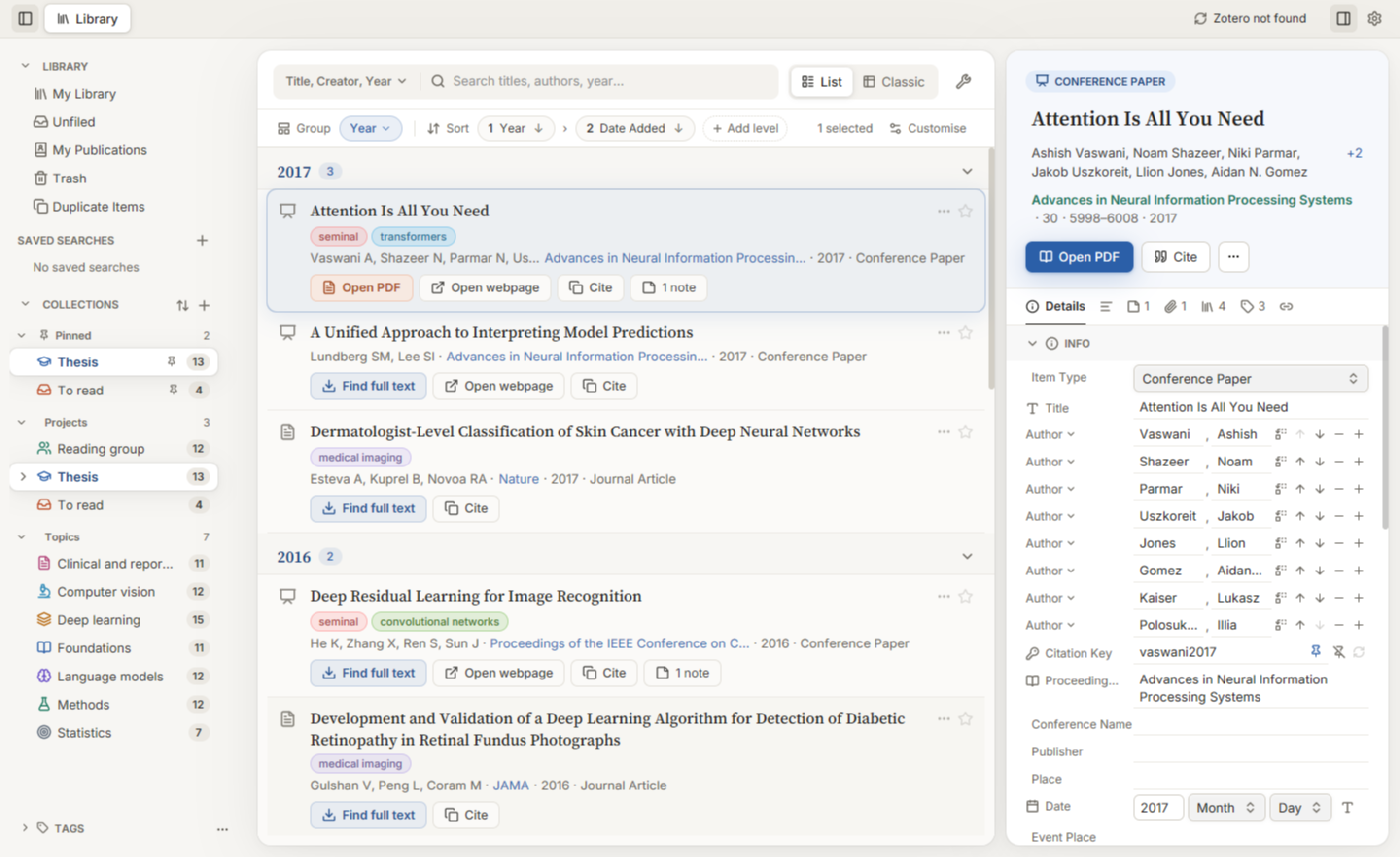
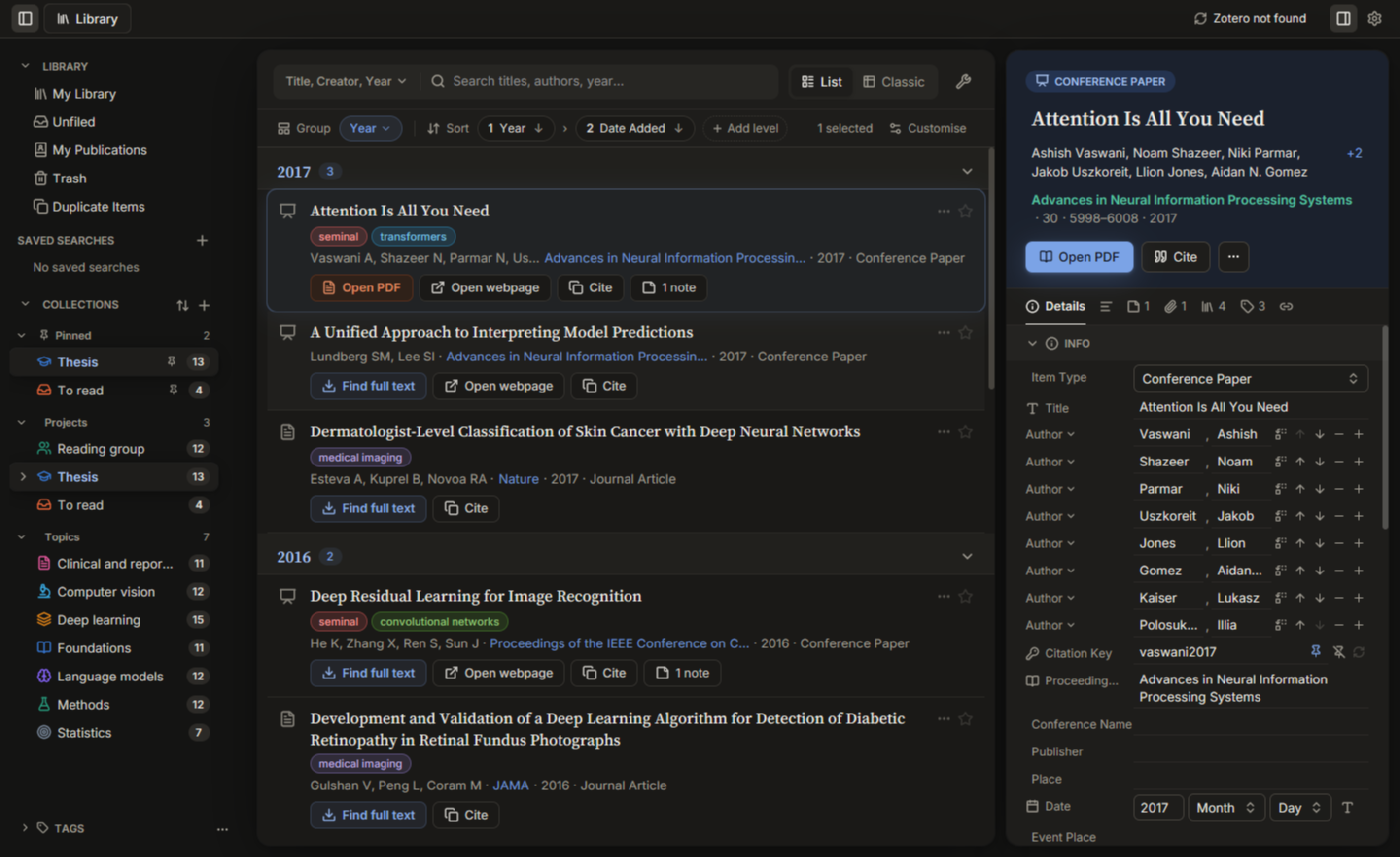
Opens the app full page in this tab; your browser's Back button returns here. About 24 MB, mostly the GPUI engine. Works best on a computer, in a recent Chrome, Edge, Firefox or Safari.
In the reader, hover a citation or a figure mention for its card, and try the References panel and the Reading view: Zotero's layout analysis runs in your browser too (about 30 MB more, loaded when you open a PDF). Not in the browser demo: web tabs, sync, importing files and anything else that needs your disk. Changes you make stay in this tab and are gone when you leave.
The add-in's real sidebar on the demo library. The page on the left stands in for Word.
Loading the sidebar…
The sidebar is the add-in's own code. Only the document is pretend: in Word the same sidebar writes real Zotero citation fields. Styles here: Vancouver, APA and Nature; in Word, any CSL style.