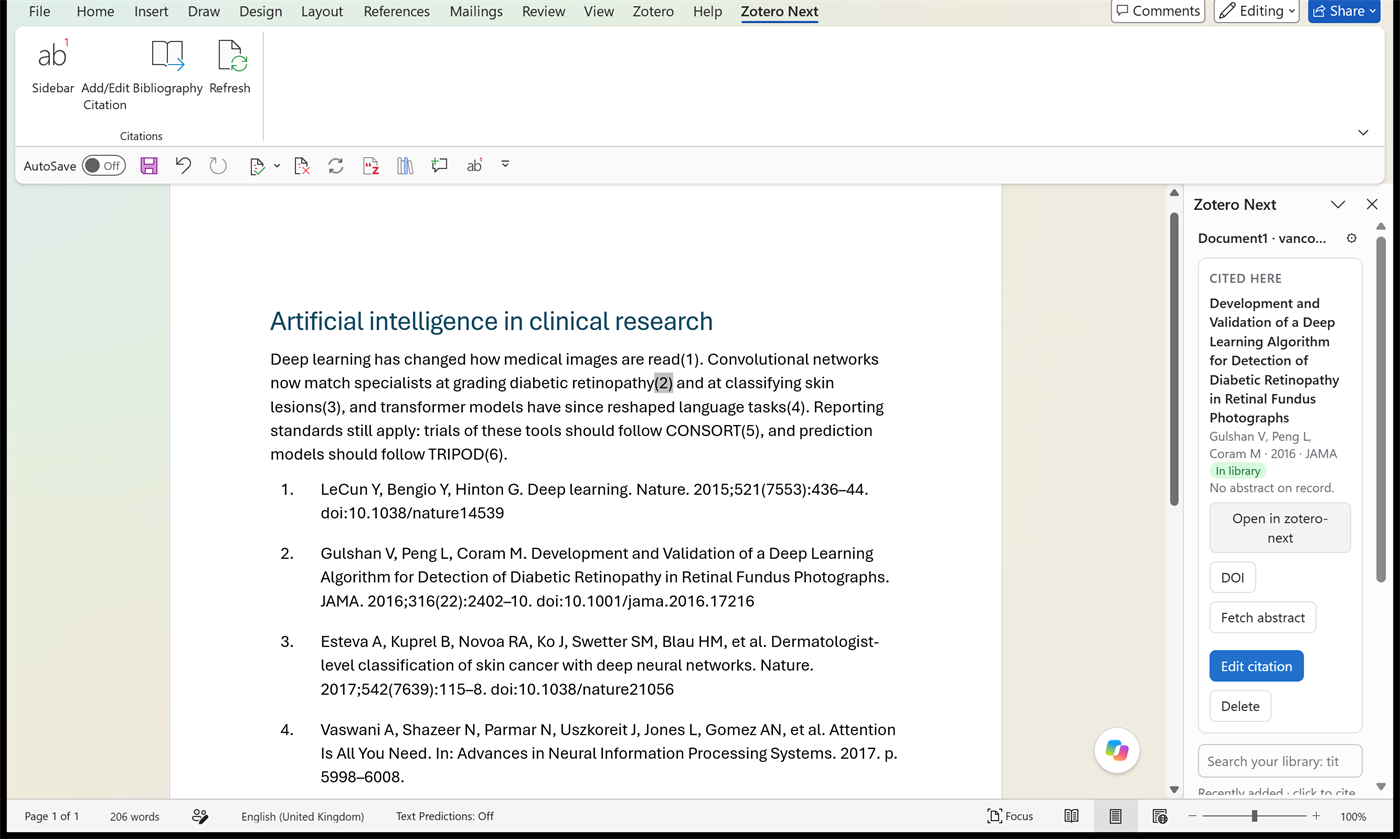
Cite in Word, from a sidebar
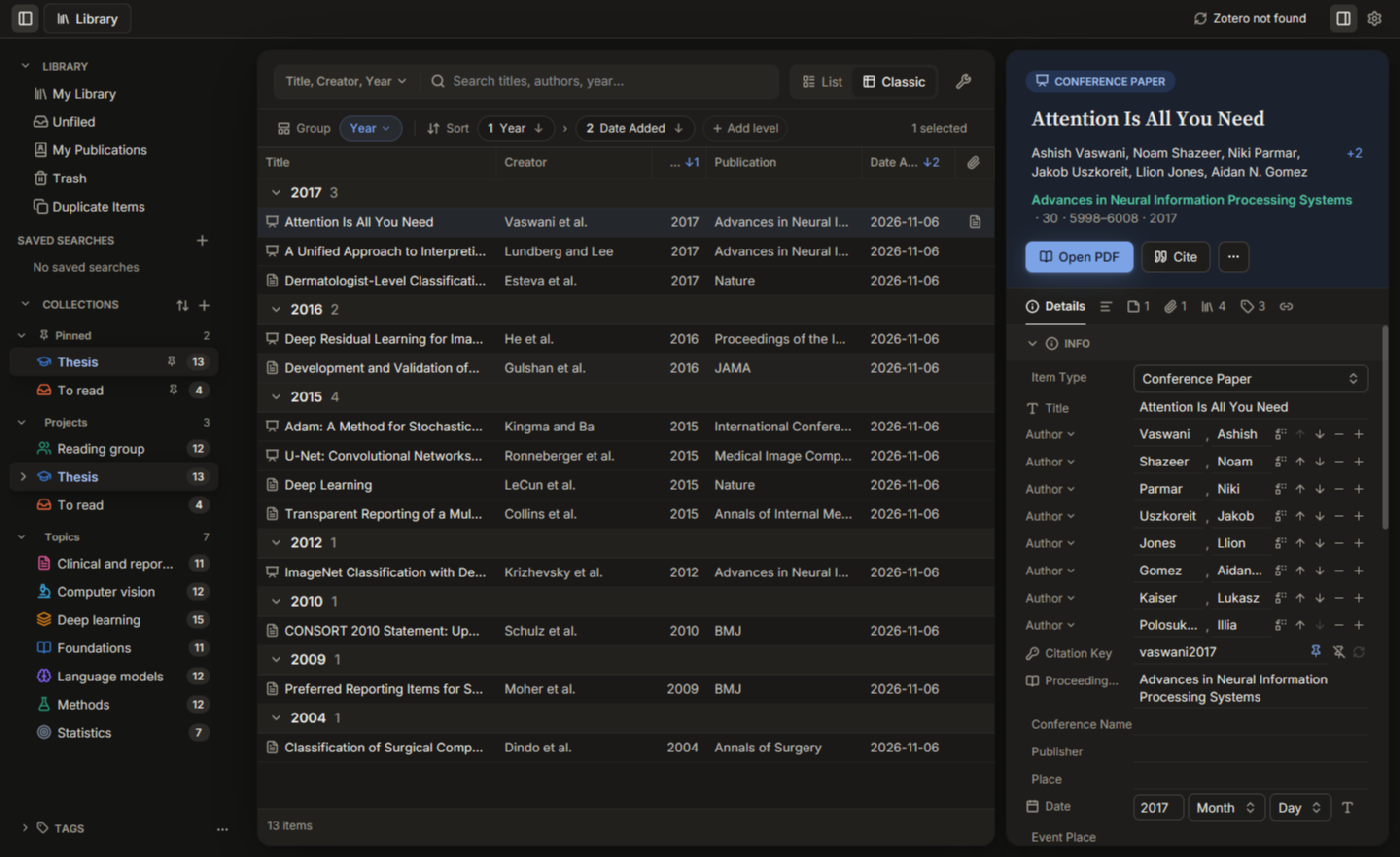
An add-in for desktop Word (.NET Framework 4.8) with a ribbon tab and a side panel for your library. It inserts live, Zotero-compatible citation fields and a bibliography using the same citation styles as the app, and it can refresh them. It can edit a citation (locator, prefix, suffix, several items), split or merge citations, edit the bibliography, and shows the full reference in a popup beside the cursor.
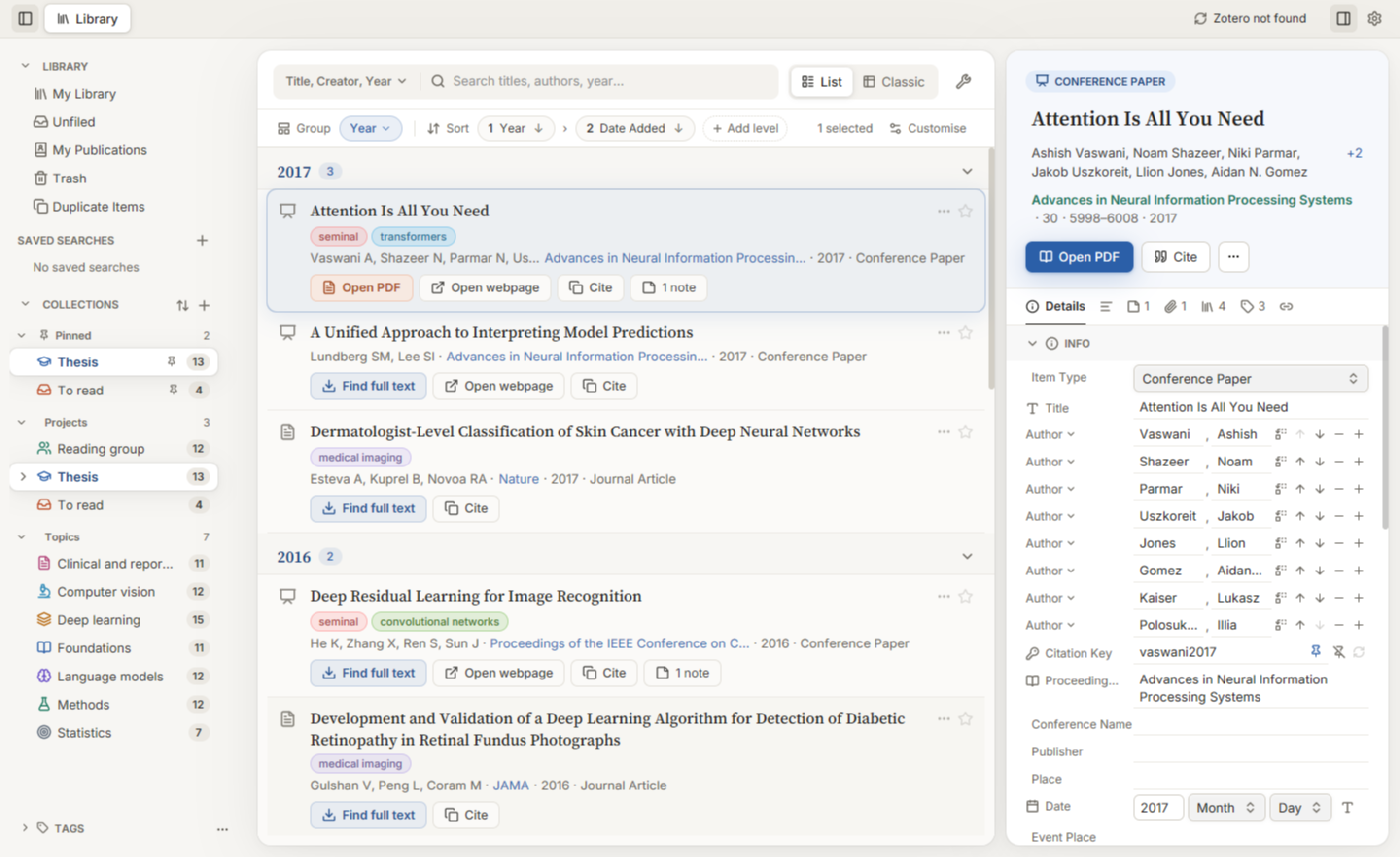
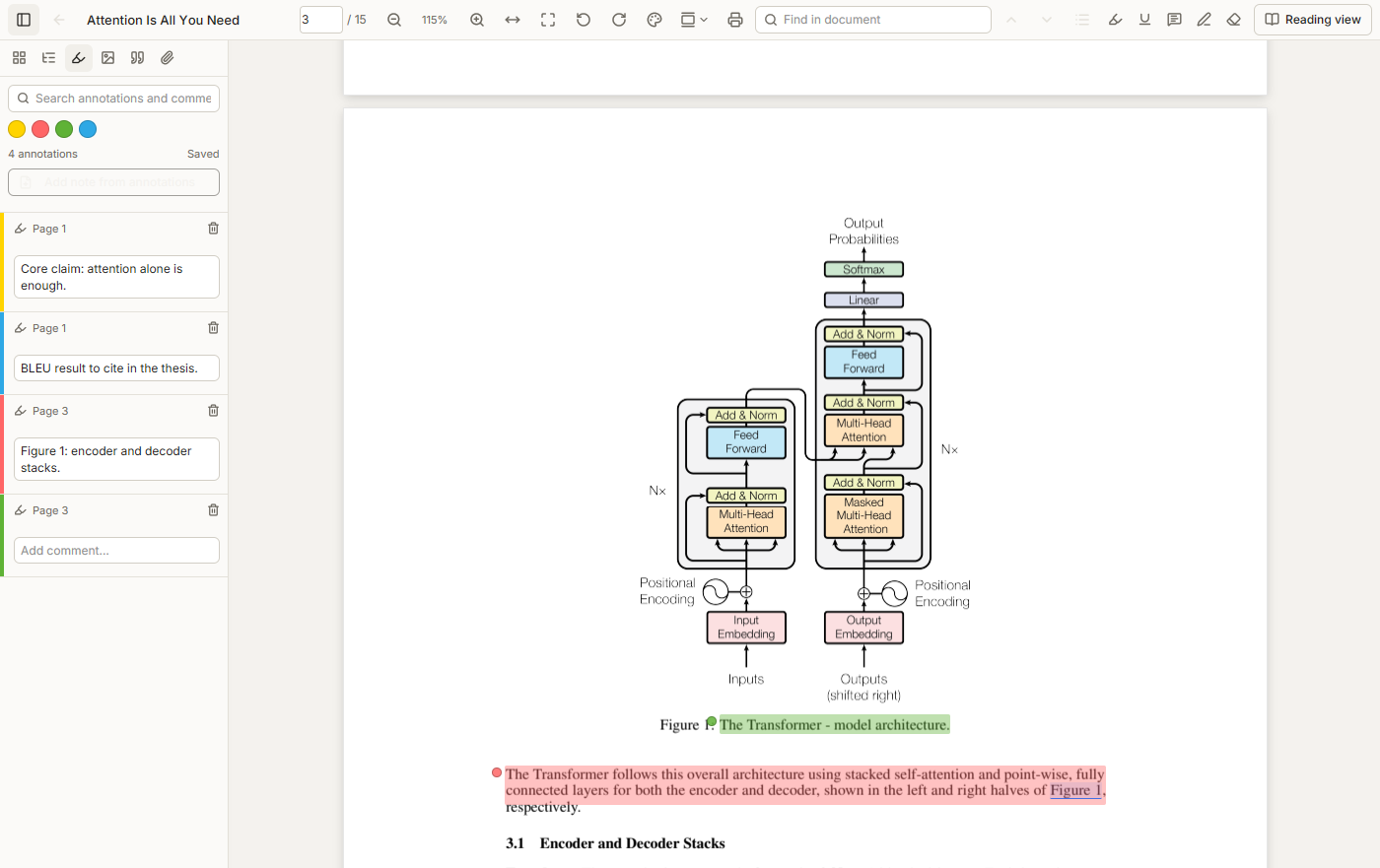
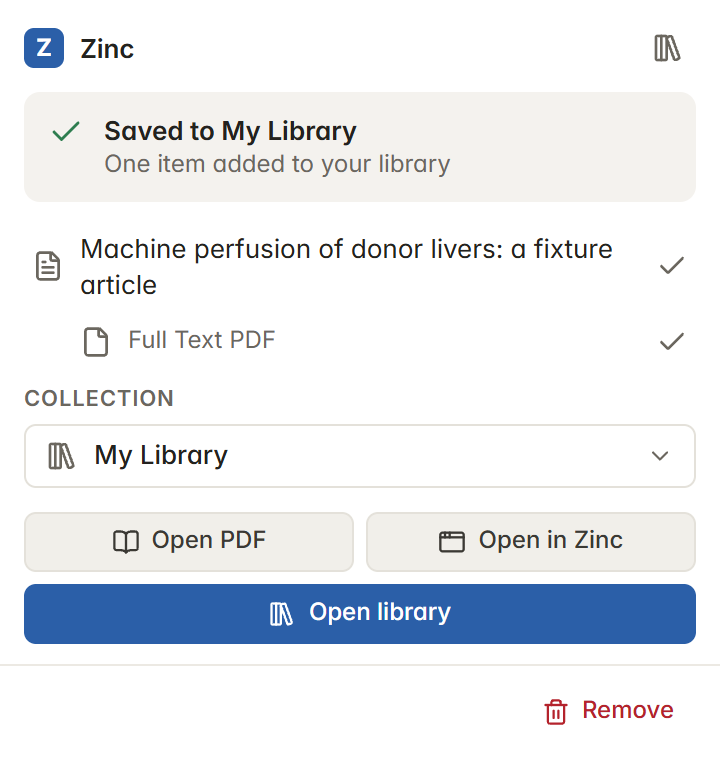
The Word add-in reads your library file directly and read-only. Searching, inserting citations and building a bibliography work with the app closed. The app starts only if you click Open in Zinc on a cited item, and that opens the item's PDF, EPUB or snapshot in Zinc's reader, or selects the item in the list when it has no file.
Try the sidebar live